All in one place.
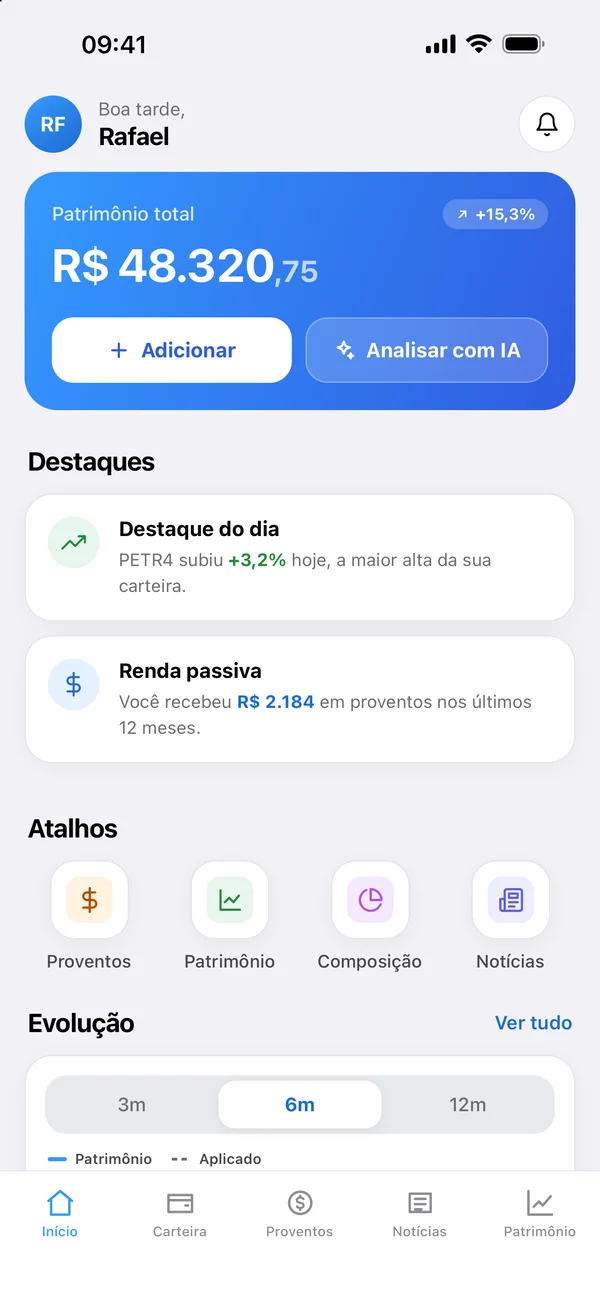
Stocks, REITs, ETFs and BDRs, fixed income, funds, crypto and more: how much you put in, what it's worth today and what moved during the day. Signals point to what deserves a look.
Holdings, dividends and the news on your assets, on iPhone and Mac. Free, no plans and no AI.
Available · freeWhat it does
Your broker shows one part, your bank shows another and the spreadsheet is never up to date. NeXo Carteira brings it all together and keeps track for you.
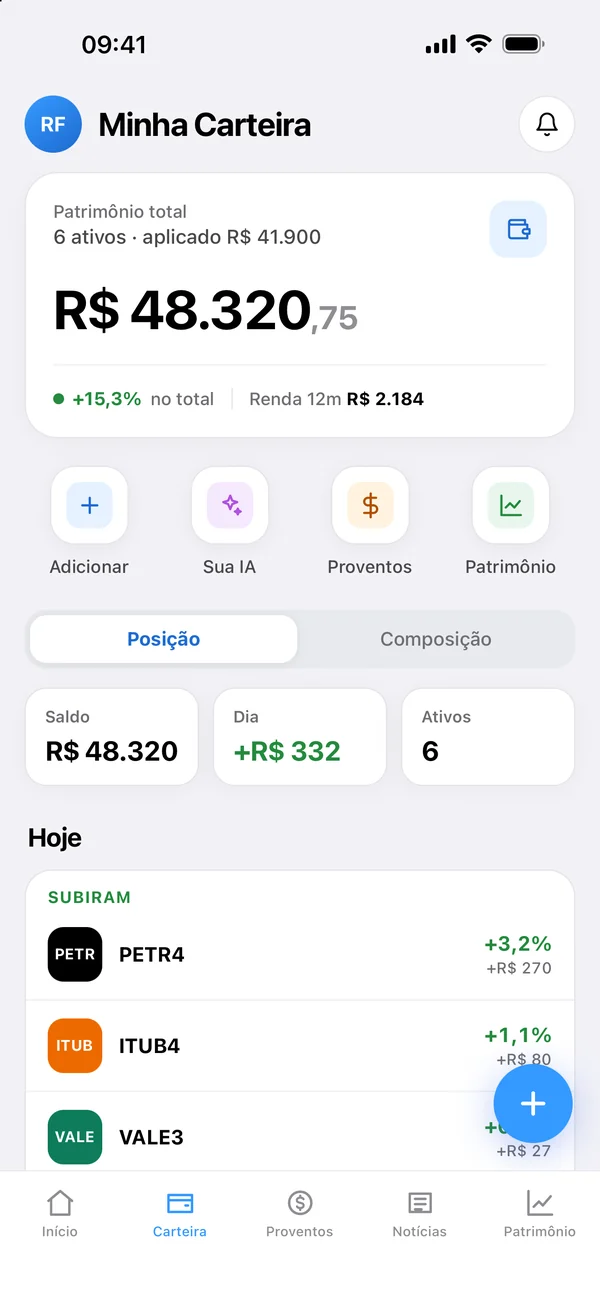
Stocks, REITs, ETFs and BDRs, fixed income, funds, crypto and more: how much you put in, what it's worth today and what moved during the day. Signals point to what deserves a look.
Your return against the CDI, how much of the growth came from contributions and how much from appreciation, and when you reach your goal at your pace.
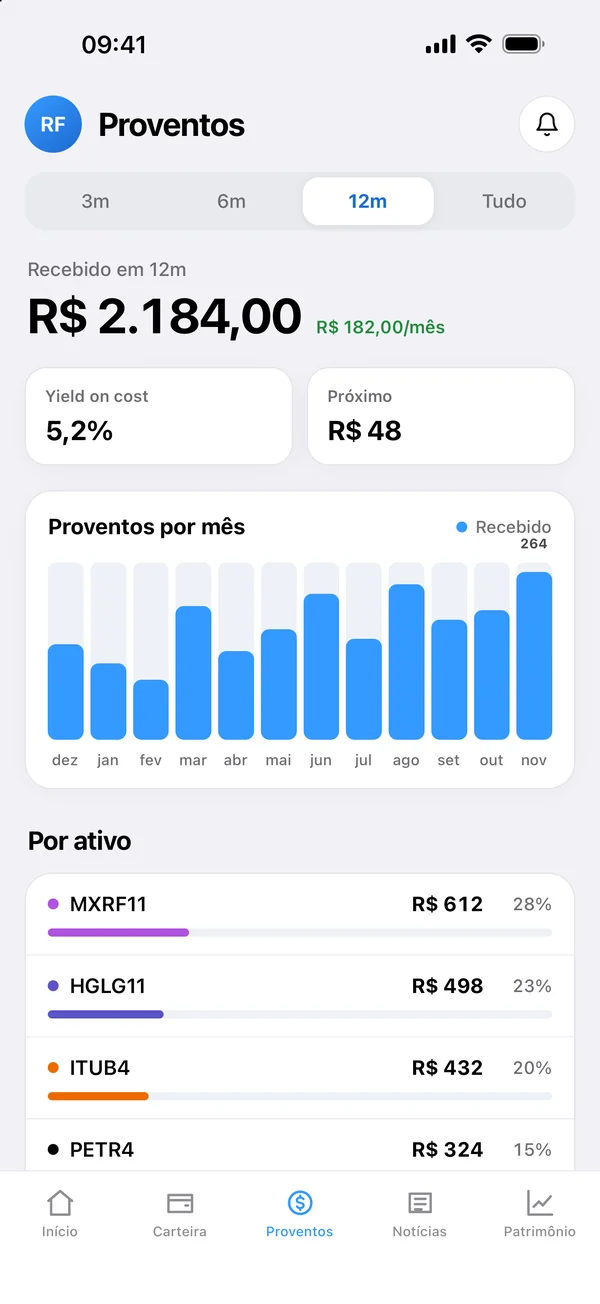
Dividends, REIT income and interest on equity net of the 15% tax, received and upcoming, month by month, with yield on cost and how far you are from your income goal.
News and material facts about your assets, with the impact of each one and what each asset was about this week.
Sign in with email, Apple or Google: what you add on iPhone shows up on Mac. Face ID, Touch ID and ⇧⌘H to hide the amounts.
Signals, alerts and news topics come from fixed rules, the same for everyone, explained in the app itself. Nothing you invest goes through an AI model.
On the Mac
Your net worth and the day's change sit next to the clock. One click opens the summary with upcoming dividends and alerts; the window brings the day's summary, portfolio, net worth, dividends and news, with keyboard shortcuts for everything.
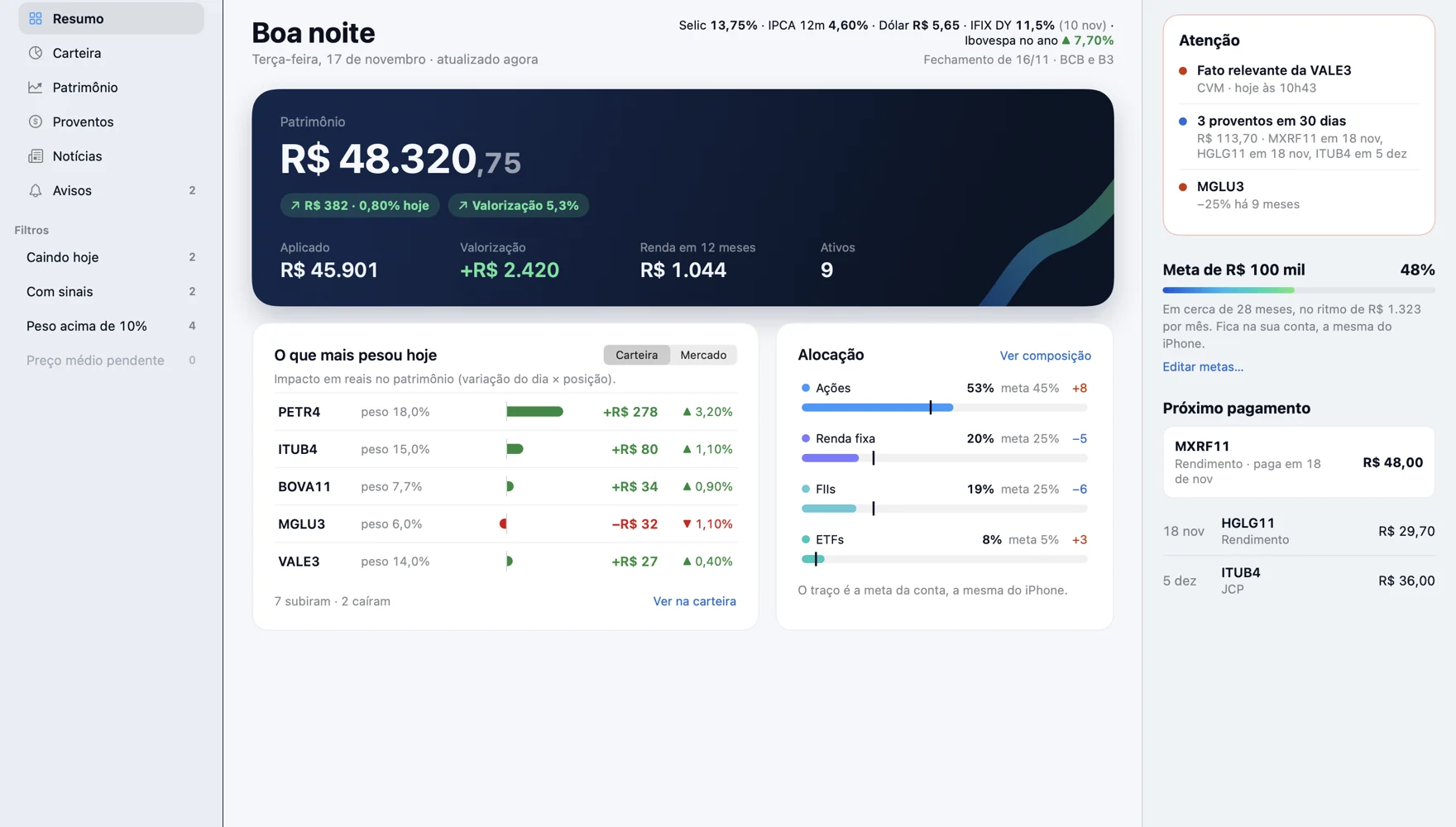
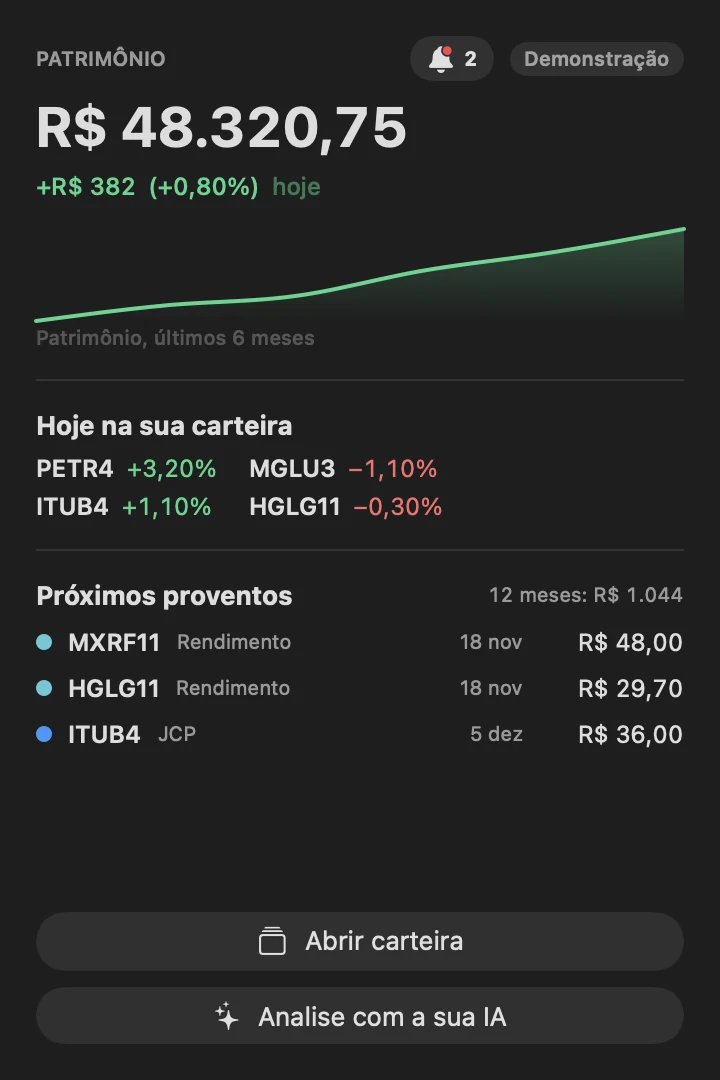
Screens with demo data.
Getting started
With email, Apple or Google. It is what carries your portfolio from iPhone to Mac.
One by one, with each contribution. For listed assets the ticker is enough; fixed income, funds and crypto have their own forms.
On iPhone, in tabs; on Mac, in the menu bar, with the day's result and upcoming dividends.
No AI inside
The app uses no AI at all. If you want a second opinion, “Analyze with your AI” builds a summary of your portfolio (positions, weights, dividends and the week's news) for you to paste into ChatGPT, Claude or the AI you prefer.
Privacy
NeXo Carteira is the first NeXo app with an account, because your portfolio needs to be on both iPhone and Mac. It is kept in a Supabase database that only your account can access, and it is removed when you delete the account in the app.
| Account | Name and email, to sign in and sync between devices |
|---|---|
| Carteira | The assets, quantities and purchases you enter |
| Notifications | Only if you allow them, to tell you about the day's moves and portfolio news |
| Market data | Prices, dividends and material facts from public sources (B3, CVM and the Central Bank of Brazil) |
| What it does not keep | No broker or bank passwords. Your portfolio is never used for ads |
Where the data is kept and who processes it, in the Carteira Privacy Policy.
Free, on iPhone and Mac.
Version 1.0.5 · iOS 16.4 or later · macOS 14 or later.